
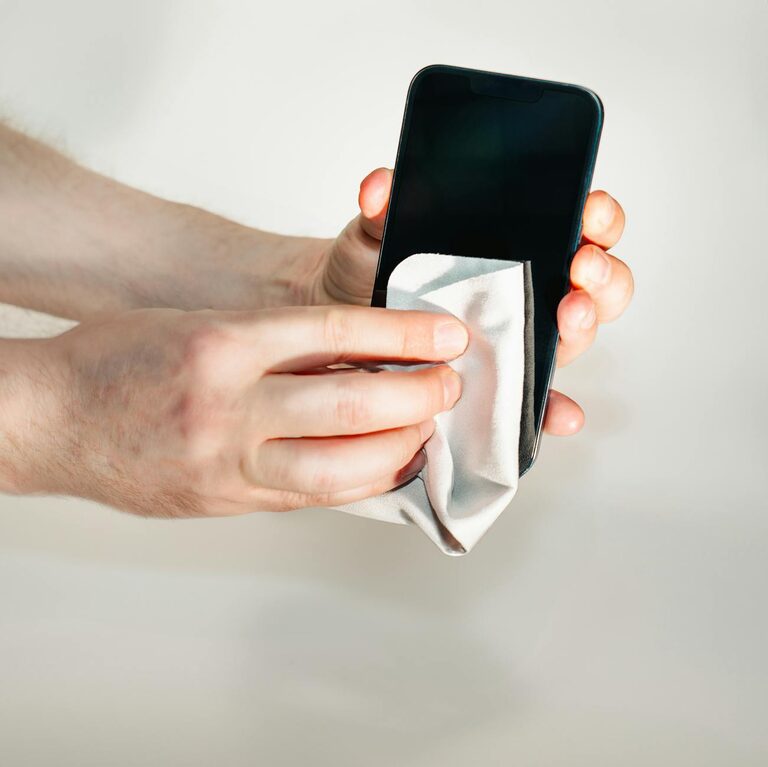
Keeping your phone and keyboard clean is important not only for hygiene but also for their longevity and functionality. These devices frequently come into contact with our hands and face, making them hotspots for bacteria and dirt. However, cleaning electronics requires care to avoid damage. In this guide, we’ll walk you through safe and effective methods to clean your phone and keyboard.
Why Clean Your Devices Regularly?
Phones and keyboards accumulate oils, dust, crumbs, and germs over time. Regular cleaning helps to:
– Reduce the risk of spreading germs and illnesses.
– Prevent dirt buildup that may affect performance.
– Keep devices looking fresh and new.
– Extend the usable life of your gadgets.
Before You Start: What You’ll Need
Before cleaning, gather these supplies:
– Microfiber cloths: Soft, lint-free, ideal for screens and surfaces.
– Isopropyl alcohol (70% or less): Effective disinfectant without harming devices.
– Distilled water: For gentle cleaning.
– Cotton swabs: For tight spaces.
– Soft brush or compressed air: To remove dust and debris.
– Spray bottle (optional): To mix cleaning solution safely.
– Toothpick or small plastic tool: To gently remove debris from keyboard gaps.
Note: Avoid household cleaners like bleach, window cleaners, or abrasive materials, as they can damage electronics.
How to Clean Your Phone Safely
Phones have sensitive screens and ports, so follow these steps carefully.
Step 1: Power Off Your Phone
To reduce the risk of short circuits or unintended input, turn off your phone before cleaning.
Step 2: Remove Case and Accessories
Take off any phone cases, screen protectors, and unplug accessories. Clean them separately if possible.
Step 3: Prepare Cleaning Solution
Mix equal parts of distilled water and isopropyl alcohol (70% or less) in a spray bottle. This mixture effectively disinfects without harming your phone’s finish.
Step 4: Wipe the Phone
– Lightly dampen a microfiber cloth with the solution — avoid soaking it.
– Gently wipe all surfaces of the phone, including the screen, back, and sides.
– Avoid getting moisture into ports, buttons, or openings.
Step 5: Clean Ports and Buttons
– Use a dry cotton swab or soft brush to remove dust from charging ports, headphone jacks, and buttons.
– Avoid inserting anything sharp or pushing debris deeper inside.
Step 6: Clean the Case and Accessories
– Use soapy water or disinfectant wipes safe for the material.
– Let them dry completely before reassembling.
Step 7: Let Your Phone Dry
Before turning it back on, ensure your phone is completely dry to avoid damage.
How to Clean Your Keyboard Safely
Keyboards can collect dust, crumbs, oils, and more. Here’s how to keep them clean.
Step 1: Unplug or Power Off
If using a wired keyboard, unplug it. For wireless keyboards, turn them off to prevent accidental keystrokes.
Step 2: Shake Out Loose Debris
Turn the keyboard upside down and gently shake it to free crumbs and dust.
Step 3: Use Compressed Air or Brush
– Use compressed air to blow out dirt from between keys.
– Alternatively, use a soft brush or paintbrush to sweep away debris.
Step 4: Clean the Keycaps
– Lightly dampen a microfiber cloth with a mixture of water and isopropyl alcohol (70% or less).
– Wipe the keys and surrounding surfaces.
– For stubborn grime, use a cotton swab dipped in the solution to clean around the keys.
Step 5: Deep Cleaning (Optional)
If your keyboard allows, carefully remove keycaps with a keycap puller or gently pry them off. Soak the keycaps in warm, soapy water, rinse, and dry thoroughly before reattaching.
Note: Mechanical keyboards usually allow this, but laptop-style keyboards generally do not.
Step 6: Disinfect the Surface
After cleaning, use a slightly dampened cloth with isopropyl alcohol to disinfect the keyboard surface.
Step 7: Dry and Reconnect
Allow your keyboard to dry completely before plugging it back in or turning it on.
Tips to Keep Your Devices Clean Longer
– Wash your hands regularly before using devices.
– Avoid eating or drinking near your phone or keyboard.
– Use screen protectors and keyboard covers for easier cleaning.
– Clean devices weekly or as needed depending on use.
Summary
Cleaning your phone and keyboard doesn’t have to be complicated or risky. By using gentle materials and avoiding harsh chemicals, you can keep your devices hygienic and functional. Regular care not only protects your health but also helps your gadgets last longer.
Remember to always power off your devices before cleaning, use minimal moisture, and avoid abrasive tools. With these simple steps, you can enjoy cleaner, fresher technology every day!